Read-only project view
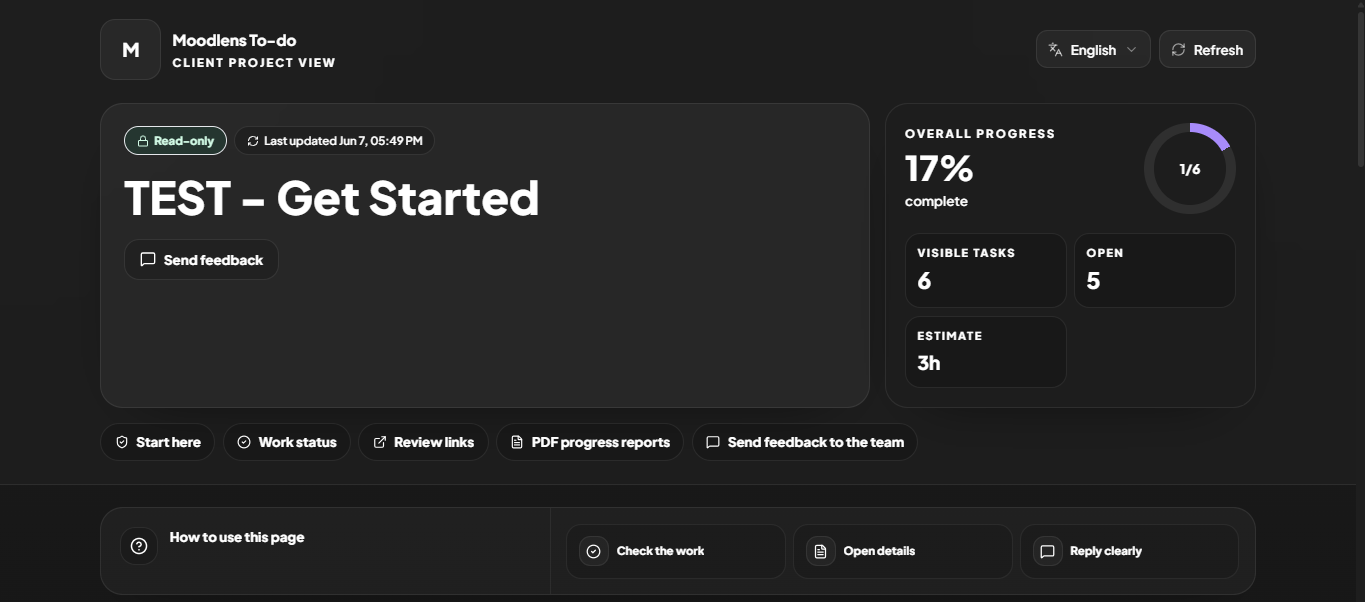
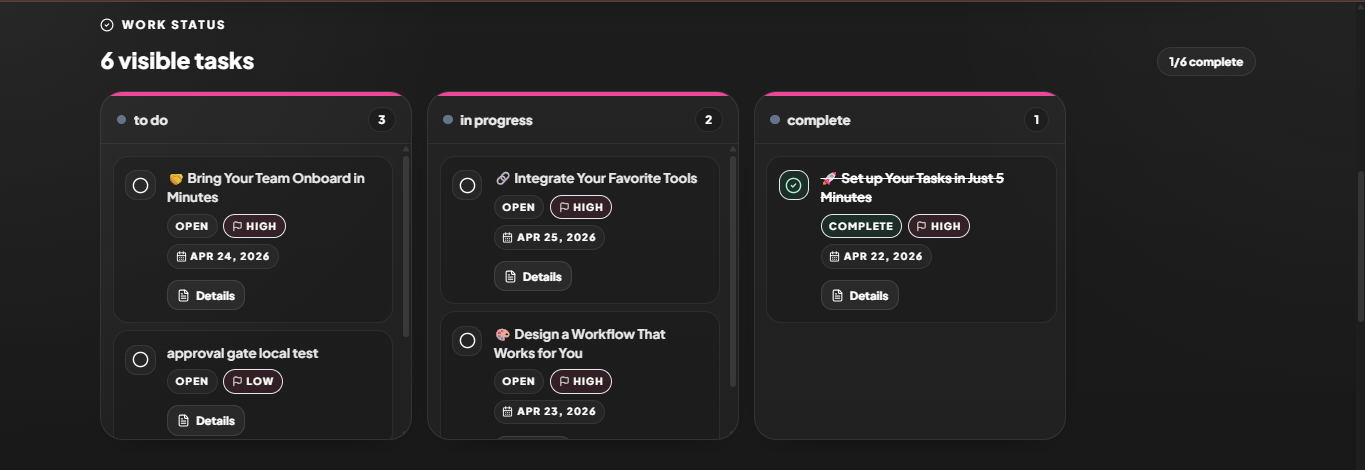
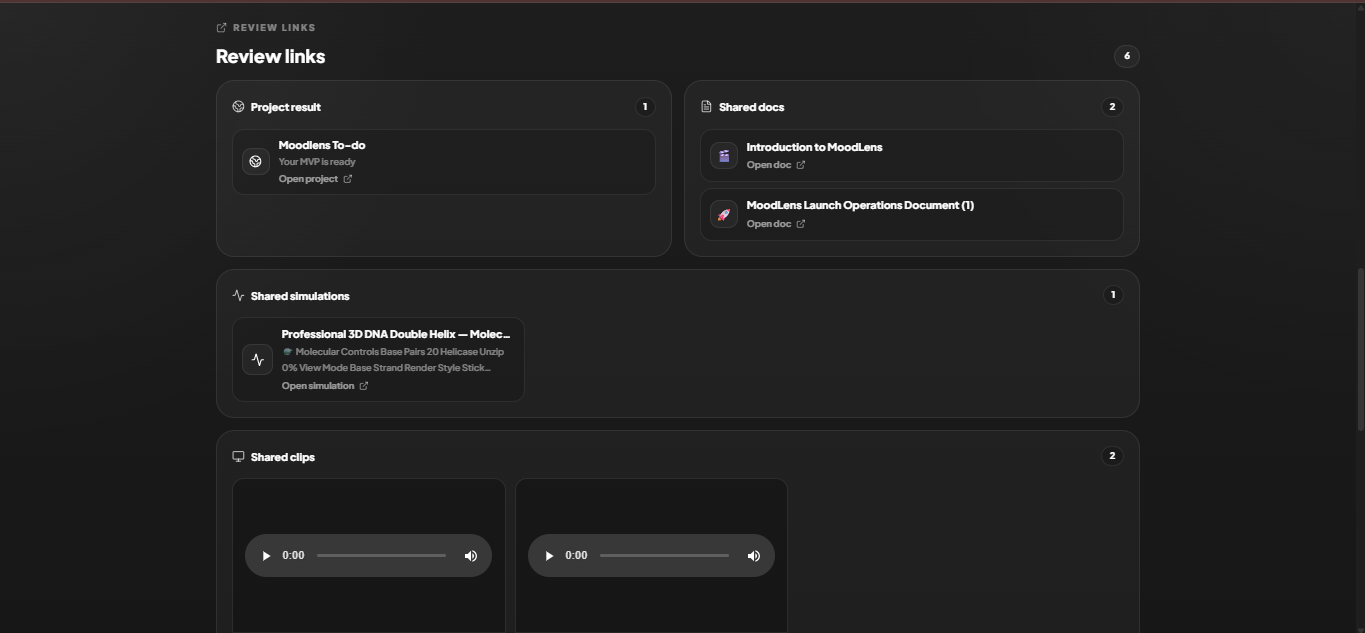
Share selected task columns, task cards, details, docs, assets, clips, simulations, and result links.
MoodLens Client Share gives every board or project a clean read-only client portal. Your team chooses what clients can see: visible columns, task cards, details, docs, assets, project links, Clips, simulations, and PDF progress reports.
Clients stay informed, approve work, ask questions, or request changes while your team keeps control of the real workspace. Since-last-visit updates and activity logs help everyone know what changed.
Share selected task columns, task cards, details, docs, assets, clips, simulations, and result links.
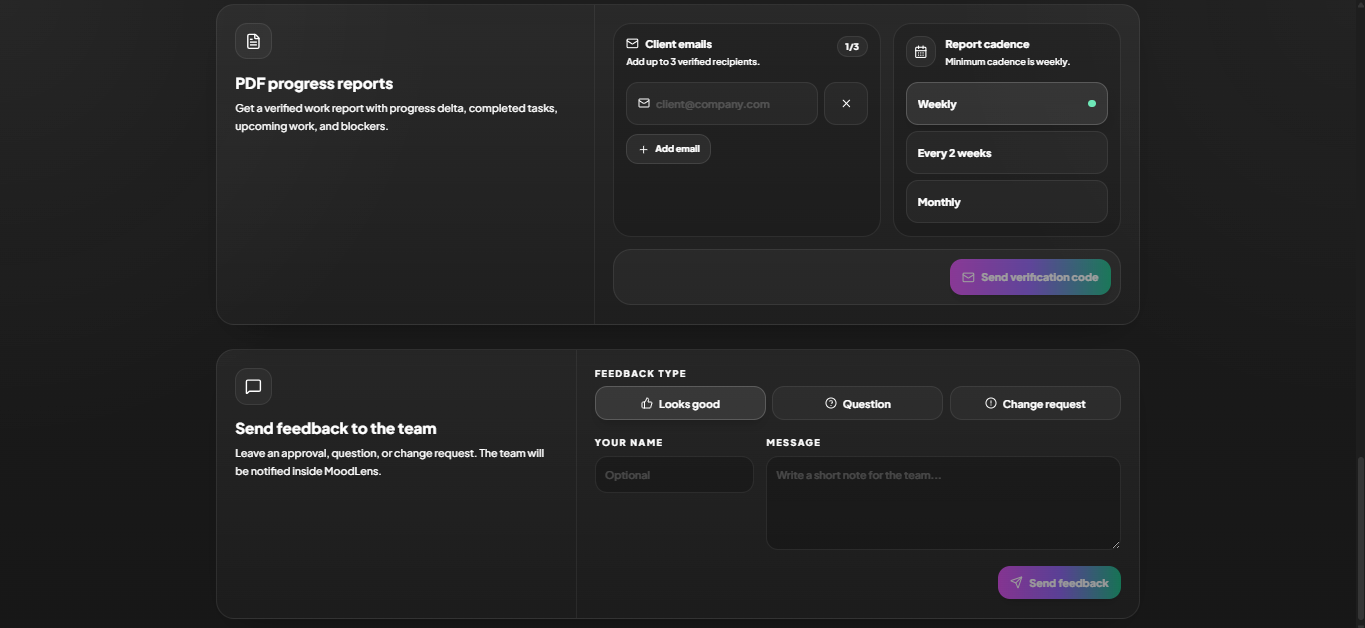
Clients can approve, ask questions, or request changes while your team sees the feedback inside MoodLens.
Clients can verify an email and receive weekly, every-two-weeks, or monthly progress summaries.
Use email verification, password or link protection, expiry dates, cadence, and client branding.
Client Share is built for agencies, studios, product teams, and consultants who need transparent review without exposing internal planning, private notes, or unfinished workspace context.