HoneyBook is a mature tool for booking-led businesses, and many freelancers run on it happily. Others start looking around because of the monthly price, how payments work, or because they live outside the four countries it serves. This guide shows what to compare before you switch and how to move without losing an open invoice or a signed contract.
The short answer
Before you leave HoneyBook, compare five things: what you pay each month, how your clients pay you and what that costs, where the tool works, whether you need a booking page, and how you will move your clients and open invoices. As of October 2026, HoneyBook starts at $29 a month billed yearly, processes your client payments itself (cards from 2.9% + 25¢, bank transfers 1.5%) and is available to businesses in the US, Canada, the UK and Australia. Export your contacts first, let open invoices finish where they started, and move one active client at a time.
Switching in five steps
- 1Export contacts
- 2Save documents
- 3Finish open invoices
- 4Add active clients
- 5Send the next proposal
Why freelancers look at alternatives to HoneyBook
HoneyBook connects inquiries, scheduling, proposals, contracts, invoices and payments in one place, and it does that well for businesses built around bookings. People who start looking elsewhere usually have one of a few reasons: the monthly price, the way payments are processed, living outside the countries HoneyBook serves, working in a language other than English, or the time it takes to set up templates and automations.
None of those is a reason to switch on its own. The point of this guide is to check them against your own business before you move a single client.
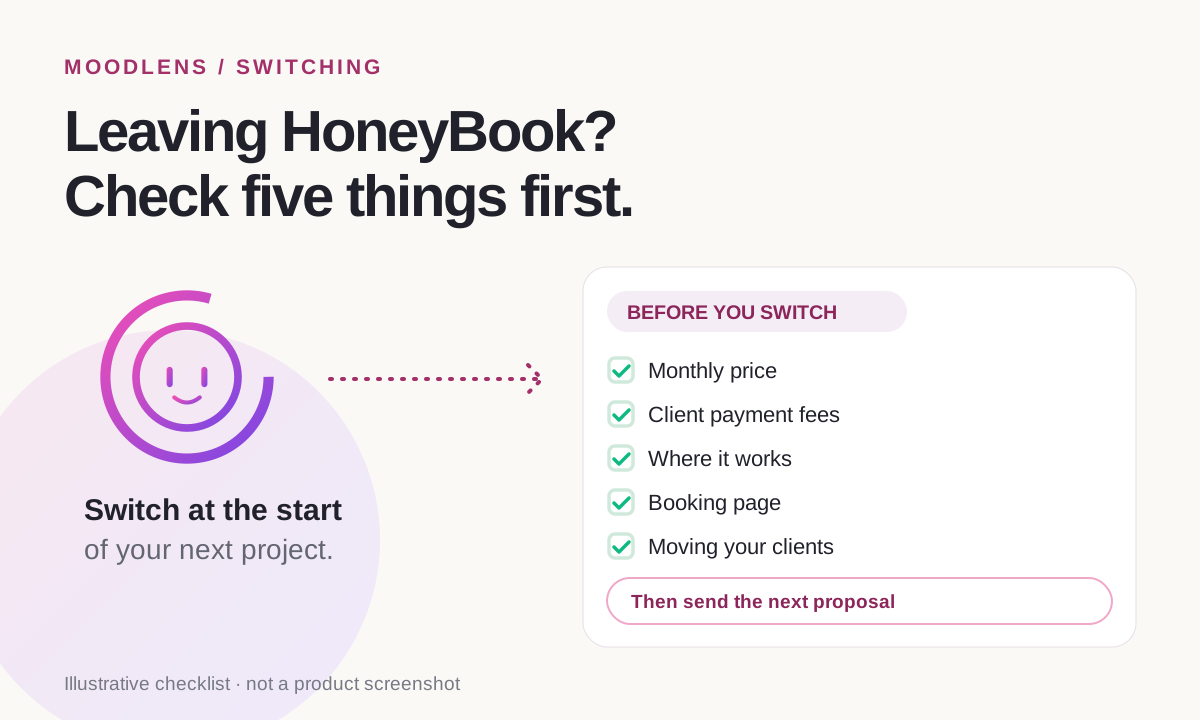
What to compare before you switch
These are the five points that change your monthly cost and your day-to-day work. The HoneyBook column comes from HoneyBook’s own pricing page, product update and help center.
| What to check | Why it matters | HoneyBook |
|---|---|---|
| Monthly price | A fixed cost you pay even in quiet months | From $29 a month billed yearly, after a free trial |
| How clients pay you | Who processes the money and what each payment costs | HoneyBook processes payments: cards from 2.9% + 25¢, bank (ACH) 1.5% |
| Where it works | Whether your country is supported | Business owners in the US, Canada, the UK and Australia |
| Booking page | Whether clients book calls or sessions with you | Built-in scheduler |
| Moving your data | What you can take with you | Contacts download as a spreadsheet (CSV) |
Card fees are close across most tools because they mostly pass on card-network costs. The bigger differences are the monthly plan, the fee on bank transfers, who holds your payment account and whether the tool works in your country.
How to move without losing an invoice or a contract
Switching in the middle of a project is where things get lost. Move at the start of the next project instead, in this order:
- Export your contacts. HoneyBook’s help center explains how to download your contact list as a spreadsheet with names, emails, phone numbers, addresses and notes.
- Save copies of signed contracts and paid invoices you may need for taxes or a dispute.
- Let open invoices and payment plans finish in HoneyBook, so no client is asked to pay twice.
- Add your active clients to the new tool first. Past clients can wait.
- Send your next proposal from the new tool, so the switch happens at the start of a project.
- Cancel HoneyBook only after the last open payment has arrived.
When HoneyBook is still the better choice
Staying is the right call for some businesses. HoneyBook is likely the better fit if:
- Clients book calls or sessions with you through a booking page every week.
- You want the tool to process your client payments rather than connecting your own Stripe account.
- You rely on its lead forms and booking flows and they already run smoothly.
- You are in one of its four countries and the plan price is not a concern.
How MoodLens To-do compares
MoodLens To-do is built around the same money path: a proposal your client approves from a secure link without an account, a contract signed online, an invoice and a payment. It differs on the points above.
There is a Free plan, and Plus costs $19.99 a month or $15.99 billed yearly. Card payments go into your own Stripe account, so Stripe’s own rates apply and MoodLens adds no fee; clients can also pay with crypto. The app works in English, French, Spanish and Arabic. Describe a project and Moody drafts the proposal and plans the board, tasks and budget.
- MoodLens has no public booking page for clients yet. If clients book sessions with you, keep a scheduling tool.
- There is no direct import from HoneyBook. Add your active clients and start with your next proposal.
- On the Free plan, proposals and contract sends are limited to 3 a month.
- Templates and contracts are not legal advice.
HoneyBook and MoodLens To-do at a glance
| Category | MoodLens | HoneyBook |
|---|---|---|
| Starting price | Free plan; Plus $19.99 a month ($15.99 billed yearly) | From $29 a month billed yearly, after a free trial |
| Client payments | Into your own Stripe account at Stripe’s rates; no MoodLens fee | Processed by HoneyBook: cards from 2.9% + 25¢, bank (ACH) 1.5% |
| Where it works | Interface in English, French, Spanish and Arabic | Businesses in the US, Canada, the UK and Australia |
| Booking page for clients | Not available yet | Built in |
| Setup | Moody drafts the proposal and plans the project from a description | Templates and automations you set up |
Frequently asked questions
How much does HoneyBook cost?
As of October 2026, HoneyBook’s plans start at $29 a month billed yearly, after a free trial. Payment processing is charged on top: card payments from 2.9% + 25¢ and bank (ACH) payments at 1.5%. Check HoneyBook’s pricing page for current prices.
Is HoneyBook available outside the US?
HoneyBook says it is available for business owners in the US, Canada, the UK and Australia. It added the UK and Australia in July 2026. If you are based elsewhere, check its site before signing up.
Can I export my clients from HoneyBook?
Yes. HoneyBook’s help center explains how to download your contact list as a spreadsheet (CSV) with names, emails, phone numbers, addresses, notes and the date each contact was created.
Is there a free alternative to HoneyBook?
MoodLens To-do has a Free plan with proposals, contracts and invoices, with a limit of 3 proposals and 3 contract sends a month. Paid plans start at $19.99 a month. Card payments go into your own Stripe account at Stripe’s rates.
Will my clients need an account in MoodLens To-do?
No. Your client approves the proposal and signs the contract from a secure link after verifying their email, and pays from the invoice link.
Related MoodLens workflows
Sources and methodology
HoneyBook prices, fees, countries and export steps come from HoneyBook’s own pricing page, product update and help center as they appeared on 24 October 2026 and may change. MoodLens features and limits were checked against the product in October 2026.